How do you write meta titles and descriptions that earn clicks?
A meta title that earns clicks names the exact thing the searcher wants, adds one reason to choose your page, and fits in about 50 to 60 characters. A good meta description summarizes the page in 140 to 160 characters with a specific detail, because Google uses it only when it describes the page better than your own text.
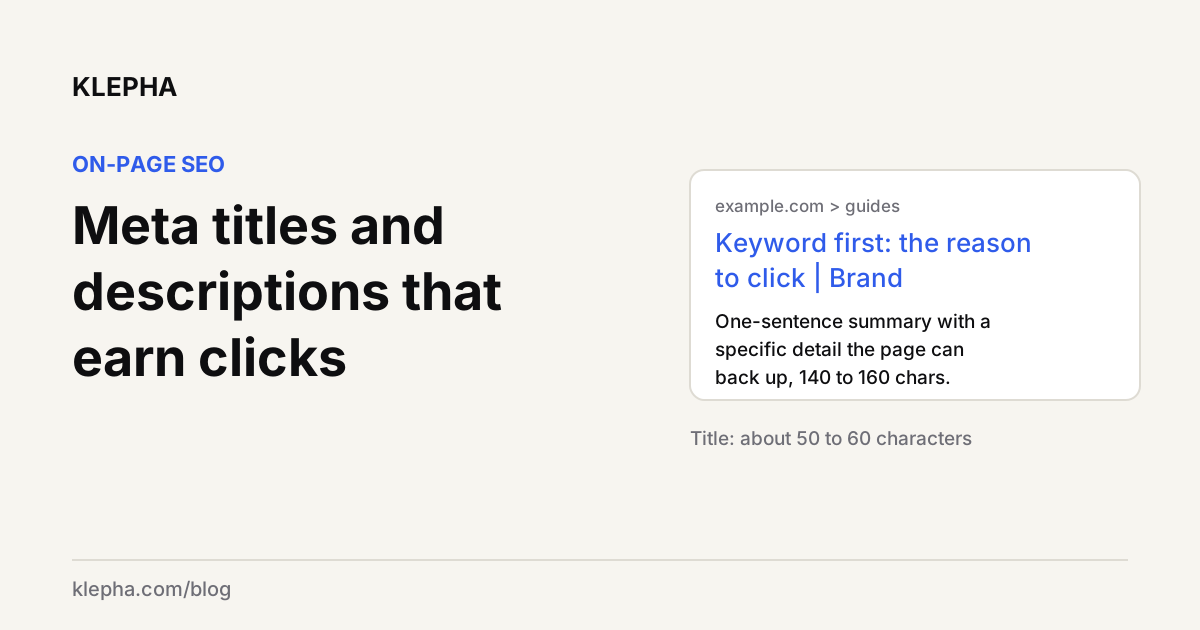
To write meta titles and descriptions that earn clicks, put the searcher's main phrase first, add one concrete reason to choose your page, and keep titles to roughly 50 to 60 characters and descriptions to roughly 140 to 160 so the important part is visible. Google has no hard character limit for either, but it truncates both to fit the device width, and it can replace them with other text from your page when it decides yours does not describe the page well.
That second point is why formulas alone are not enough. A title or description earns the click only if it is accurate, specific and different from the nine other results. Below are the rules Google publishes, simple formulas that follow them, and before and after rewrites you can adapt.
Key takeaways
- Lead with the query, then the reason. The first words of a title carry the relevance; the rest carries the choice.
- Length: about 50 to 60 characters for titles and 140 to 160 for descriptions keeps the key words visible. Google itself sets no limit.
- Google may rewrite both. It builds title links from several sources and uses meta descriptions only when they describe the page better than page text.
- Specific beats clever. Numbers, dates, prices, formats and audiences give searchers a reason to click.
- Every page needs its own. Duplicate or boilerplate titles and descriptions are the most common problem we see in audits.
What are meta titles and meta descriptions?
The meta title, more accurately the title element, is the text in a page's <title> tag. Google uses it as the main source for the clickable headline in search results, which Google calls the title link. It also appears in browser tabs and is often reused when the page is shared.
The meta description is the text in <meta name="description">. It does not appear on the page itself. Google may show it as the snippet under the title link, but Google says snippets are created "automatically" from page content and that it uses the meta description only "if it gives users a more accurate description of the page than content taken directly from the page."
<title>Running Shoes for Flat Feet: 9 Tested Picks (2026)</title>
<meta name="description" content="We tested 23 pairs on flat-footed runners over six weeks. See the 9 that kept arches supported, with prices, weights and sizes for wide feet.">
Note the numbers in that example are illustrative. Only use figures your page can back up.
How does Google choose what to show?
Google's documentation on title links lists the sources it may use to generate the headline: the title element, the main visual title on the page, heading elements such as the H1, the og:title tag, other large and prominent text, other text on the page, anchor text on the page, text in links pointing to the page, and WebSite structured data. In other words, the title tag is the strongest suggestion, not a guarantee.
Google's published best practices for titles are short and worth following literally:
- Give every page a title in the
<title>element. - Write descriptive and concise titles.
- Avoid keyword stuffing.
- Avoid repeated or boilerplate text across titles.
- Brand titles concisely.
- Make it clear which text is the main title on the page.
- Use the same language and writing system as the page's main content.
For descriptions, Google asks for unique descriptions on each page, relevant details such as author, date or product information, programmatic generation for large database-driven sites where hand-writing is impossible, and descriptions that are "truly descriptive." It explicitly shows a list of keywords and a one-word description as bad examples.
How long should a meta title and description be?
Google says there is no limit on the length of either, and that both are "truncated in Google Search results as needed, typically to fit the device width." Since truncation is based on display width rather than a character count, practical ranges are rules of thumb:
| Element | Google's rule | Practical target | Why |
|---|---|---|---|
| Title | No limit; truncated to fit | About 50 to 60 characters | Keeps the main phrase and the reason to click visible on most screens |
| Meta description | No limit; truncated to fit | About 140 to 160 characters | Enough for a full summary sentence plus one specific detail |
| Brand suffix | "Brand your titles concisely" | Short brand name at the end, if at all | Brand-first titles push the query words out of view |
The more useful rule is about order: put the words that decide the click in the first 40 or so characters, so a truncated title still makes sense. A longer title is not a penalty; it just risks hiding the part you wanted people to read.
What formulas work for meta titles?
Each formula starts with the phrase the searcher used and adds one reason to choose the page. Pick the one that matches the search intent you found when you checked the results page; our SERP analysis guide explains how to read that intent.
- Question plus promise (informational): How to [task]: [specific outcome or method]. Example: "How to Fix Orphan Pages: A 30-Minute Audit Routine".
- Number plus qualifier (lists, comparisons): [Number] [things] for [audience or condition]. Example: "7 CRM Tools for Two-Person Agencies, Compared".
- Keyword plus year (fast-changing topics): [Topic] in [year]: [angle]. Use the year only if the page is genuinely updated for it.
- Product plus proof (commercial pages): [Product type] for [use] | [differentiator]. Example: "Waterproof Hiking Boots for Wide Feet | Free Returns".
- Brand plus job (home and category pages): [Brand]: [what you do] for [who]. Example: "Klepha: AI Search Visibility for Brands and Agencies".
What formulas work for meta descriptions?
A description has one job: convince the right person that this page answers their question better than the others. Four patterns cover most pages:
- Answer plus scope: state the answer in one sentence, then say what else the page covers. Works for guides and how-tos.
- Who, what, proof: who it is for, what they get, one verifiable detail. Works for service and product pages.
- Problem plus method: name the problem, then how the page solves it. Works for tutorials.
- Facts for products: price range, key specs, availability, shipping or returns. Google's own good example for a product lists features, colors and a free shipping threshold.
What do good rewrites look like?
These before and after pairs are examples written for this guide, not results from a test. They show the formulas applied.
| Page | Before | After |
|---|---|---|
| Guide title | Home | Blog | Internal Links | Internal Linking for SEO: Plan, Anchor Text, Orphans |
| Product title | Best Shoes Running Shoes Cheap Shoes Sale | Women's Trail Running Shoes Under $100 | Free Returns |
| Service title | Services | Technical SEO Audits for Ecommerce Sites | Klepha |
| Guide description | Read our blog post about CAC. | CAC is total sales and marketing spend divided by new customers. See the formula, a worked example and how to use LTV:CAC to set ad budgets. |
| Product description | Great shoes for running. | Lightweight trail shoe with a 6 mm drop and rock plate. Sizes 5 to 12, wide fit available, free returns within 30 days. |
| Category description | We sell many types of lamps, lighting, lights, LED. | Shop 140 desk, floor and pendant lamps from 12 designers. Filter by bulb type and finish, and get free delivery on orders over $75. |
What changed in each: the query words moved to the front, boilerplate and keyword lists disappeared, and every "after" carries a specific detail a searcher can use to decide.
See which of your pages lose the click
A free Klepha report shows how your pages perform in Google alongside how AI assistants describe you, so you can spot pages with impressions but few clicks.
Get my free reportWhy does Google rewrite titles and descriptions?
Google rewrites when it thinks another piece of text describes the page better for the query. Common triggers, all addressed in Google's documentation:
- Boilerplate: the same title on many pages, or titles that are mostly the site name.
- Keyword stuffing: titles that repeat terms or list variations.
- Mismatch: the title says one thing and the H1 or main heading says another. Make your visible main title and title element agree.
- Missing or vague text: no title, or a description too short to describe anything.
- Query fit: for some searches, a passage from the page simply matches the query better than any single summary could. That is normal for snippets.
How should you write and test them at scale?
- Start from Search Console. Sort pages by impressions and look for low click-through rates relative to position. Those pages gain the most from a better title. Our guide on which pages need SEO improvement shows how to triage.
- Check the results page first. Search the query and read the competing titles. Write something accurate that stands out from them.
- Write the H1 and title together. They do not have to match word for word, but they should describe the same thing.
- Change one thing at a time. Edit the title, note the date, and compare four weeks before and after at similar positions. Seasonal queries need year-on-year comparisons.
- Use templates for large catalogs, filled with page-specific data such as product name, key attribute and price, as Google suggests for database-driven sites.
- Audit for duplicates with a crawler, then fix the templates that cause them.
Titles and descriptions also feed AI answers indirectly: assistants that browse use your title and opening text to decide what a page is about. Our content optimization guide covers the rest of the page, and internal linking covers the anchor text that also feeds Google's title links. For hands-on help, see our Blog Ranking service, the expertise page and our case studies.
Sources
- Google Search Central, "Influencing title links in Google Search", last updated December 10, 2025, accessed November 9, 2026. developers.google.com
- Google Search Central, "How to write meta descriptions" (control your snippets in search results), last updated April 20, 2026, accessed November 9, 2026. developers.google.com
- Google Search Central, "SEO link best practices for Google", last updated December 10, 2025, accessed November 9, 2026. developers.google.com
Frequently asked questions
How long should a meta title be?
Google sets no limit but truncates titles to fit the device width. In practice, about 50 to 60 characters keeps the main phrase and the reason to click visible on most screens. Put the most important words first so a cut-off title still makes sense.
How long should a meta description be?
Google sets no limit and truncates descriptions to fit the device width. About 140 to 160 characters is a practical target: enough for one clear summary sentence plus one specific detail such as a price, date or scope.
Why does Google change my title tag?
Google builds title links from several sources, including the title element, the H1, og:title, prominent page text and anchor text. It may use another source when the title is missing, boilerplate, stuffed with keywords or does not match the page's main heading.
Do meta descriptions affect rankings?
Google's documentation presents meta descriptions as a possible source for the snippet shown under your title, not as a way to rank higher. Their value is in the click: a description that accurately summarizes the page can persuade more of the right searchers to choose your result.
Should I put my brand name in every title?
Google advises branding titles concisely. A short brand name at the end of the title works for most pages. On the homepage, leading with the brand is natural; elsewhere, lead with what the page is about.
Can I generate meta descriptions automatically?
Yes. Google says programmatic generation is appropriate for large database-driven sites, as long as the descriptions are human-readable, varied and built from page-specific data rather than repeated boilerplate or keyword lists.